Concept Overview
Fly a sub‑250g FPV drone from indoors using VR
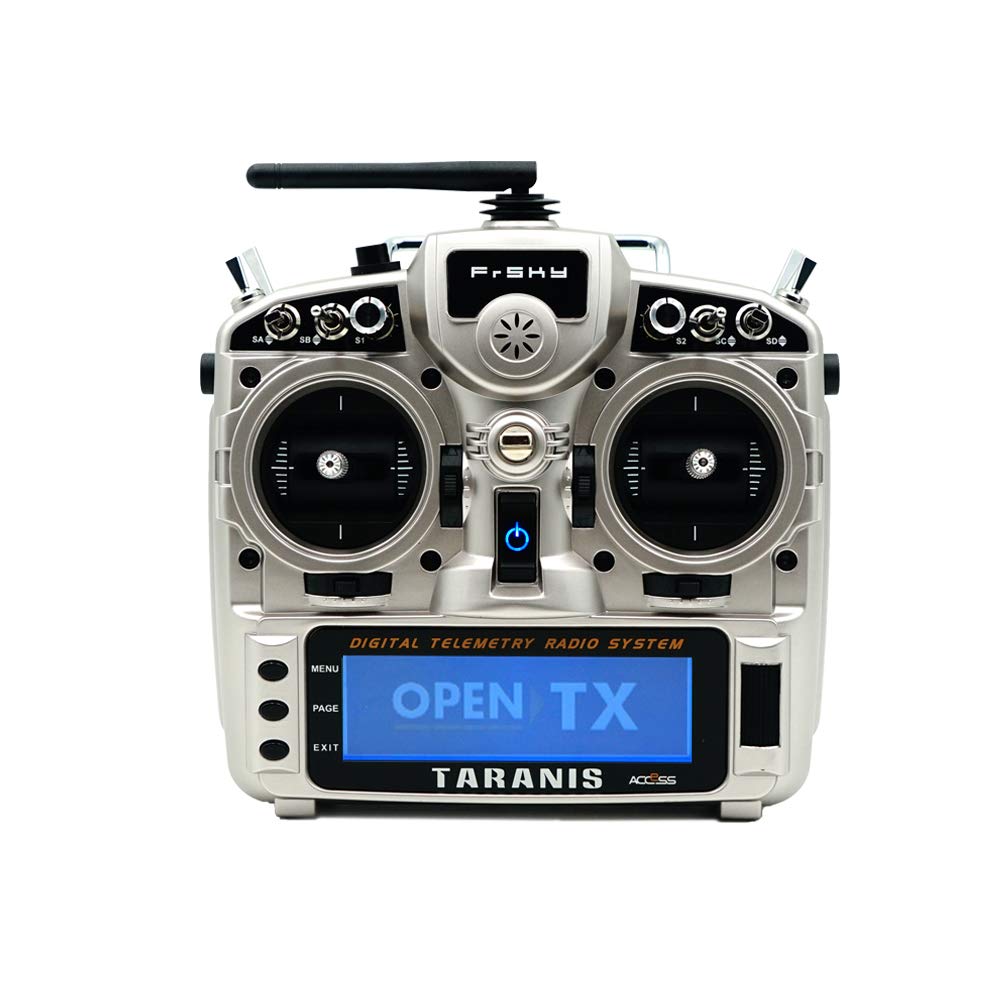
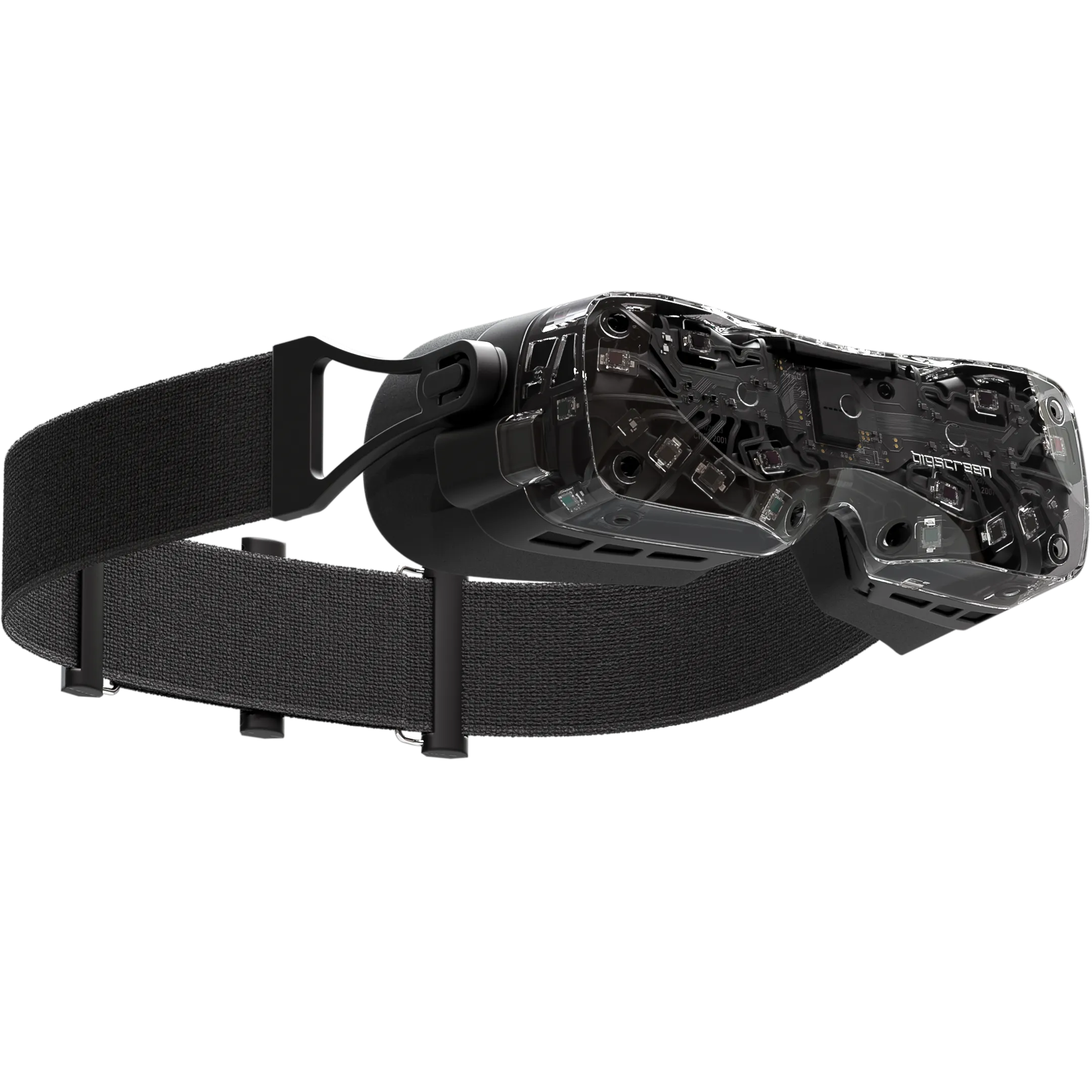
Pilot a micro FPV drone outdoors while you remain safely indoors. It uses the Happymodel Moblite7 HDZero for digital video, a FrSky Taranis X9D Plus with R9M for control, and a Bigscreen Beyond 2e headset to display the live FPV feed inside SteamVR/Bigscreen.
Compliance: Sub‑250g drone; recreational rules under FAA 49 U.S.C. 44809.
FPV requires a visual observer to maintain line‑of‑sight. Check state/local rules.
See how it works

Key Components
- Drone: Happymodel Moblite7 HDZero (75 mm, 1S, digital FPV)
- Radio: FrSky Taranis X9D Plus + R9M (bind to R9 receiver)
- Video RX: HDZero receiver → HDMI/USB capture to PC
- Headset: Bigscreen Beyond 2e (SteamVR) in Bigscreen/OVR overlay
- PC: OBS/overlay to pin FPV window in VR
Why this Works
- Digital HD video for clarity & low latency (HDZero)
- Proven long‑range/control link (R9M)
- VR immersion via Bigscreen Beyond 2e
- Small, safe airframe for backyards
What You Need
- Moblite7 HDZero (BNF/PNP)
- FrSky R9 series receiver (R9 Mini/R9MM)
- HDZero VRX + HDMI/USB capture
- Windows PC with SteamVR + Bigscreen
- Spotter for line‑of‑sight (FPV rule)
Operation Workflow
- Bind the Taranis X9D Plus + R9M to the R9 receiver on the Moblite7.
- Connect the HDZero receiver to the PC via HDMI or USB capture.
- Open OBS (or a SteamVR overlay app) and place the FPV window in front of you in Bigscreen.
- Wear the Beyond 2e headset indoors, keep a visual observer outside for line‑of‑sight.
- Arm and fly the drone in your backyard; adjust the overlay (crop/curve) for a true goggle‑like view.
Benefits
- Immersive FPV feel without leaving the house
- Safer, quieter, backyard‑friendly airframe
- Upgradable video chain (HDZero/DJI/Walksnail)
- Modular control link — keep your Taranis + R9M
Future Enhancements
- AI‑assisted overlays (object detection, horizon)
- Waypoints & return‑to‑home for safety
- Head‑tracking camera gimbal in VR
- Latency‑optimized capture card workflow